
Mobile, AL
Best Computer Repair Shops in Mobile, AL
Ranking Mobile's computer repair shops by review volume, customer ratings, and AI visibility.
By Pendium ResearchUpdated October 27, 2026
 ChatGPT
 Claude
 Gemini
 AI Overviews
18
Businesses reviewed
8
AI research reports
10
Top picks

Mobile's coastal environment is brutal on hardware. Between the relentless Gulf Coast humidity creeping into unsealed laptop chassis and the frequent afternoon thunderstorms rolling off Mobile Bay, power surges and logic board corrosion drive a heavy volume of repair work. When a lightning strike takes out a home network and the desktop plugged into it, residents need a shop that knows how to run a proper electrical diagnostic without guessing.
The city's varied housing stock complicates things further. Downtown historic homes often feature older wiring that practically begs for surge-related component failures, while the sprawl out toward West Mobile means you might be driving down Airport Boulevard or Schillinger Road to find a reliable workbench. A good technician here spots the difference between a blown capacitor and software rot immediately, saving you from buying a completely new machine.
The local market mixes high-volume franchise outposts with independent workbenches tucked into strip malls. The shops worth calling check their diagnostics twice, carry parts for common repairs on hand, and tell you straight when an aging machine is simply cheaper to replace than to fix.
The verdict
Our Quick Picks
uBreakiFix - Phone and Computer Repair and Quick Fix - Fix, Buy, Sell lead the pack with hundreds of strong reviews and official OEM certifications. Computer Hospital, L.L.C and The Computer Store offer highly rated independent alternatives for detailed hardware diagnostics and safe data recovery.
- 1Best High-Volume FranchiseuBreakiFix - Phone and Computer Repair
Owners of recent-model devices who want official OEM parts and verified diagnostics.
- 2Best for Certified Apple and Samsung ServiceQuick Fix - Fix, Buy, Sell
Mac and Galaxy users looking for verified independent technicians with access to genuine parts.
- 3Best for Hardware DiagnosticsComputer Hospital, L.L.C
Homeowners dealing with power surge damage to monitors, TVs, and desktop towers.
- 4Best for Gaming SystemsP&T Repair Department - Video Game Repair
Gamers needing console teardowns, port replacements, or thermal paste application.
- 5Best for Data RecoveryThe Computer Store
Small businesses trying to pull critical files off a failing hard drive.
- 6Best for Used EquipmentComputer Resource
Budget-conscious users who might need to buy a refurbished replacement if their PC is dead.
- 7Best for Multi-Platform ITMobile Computer Group
Local retail owners needing help with point-of-sale hardware and networking.
- 8Best for East Mobile ResidentsJf's Computer Service & Sales
Locals looking for a small, direct-to-technician neighborhood shop.
- 9Best for Spanish Fort AreaProTechs
Eastern Shore residents who want to avoid driving into Mobile for IT help.
- 10Best for Baldwin County ResidentsFairhope PC
Fairhope locals needing both hardware fixes and general tech consulting.
All 18 computer repair shops in Mobile, at a glance
| Specialty | AI Sentiment | ChatGPT | Claude | Gemini | Google AI Overviews | Contact |
|---|---|---|---|---|---|---|
| Best High-Volume Franchise | 74Speaks well of them | ● | ● | ● | ● | |
| Best for Certified Apple and Samsung Service | 68Speaks well of them | ● | ● | ● | ● | |
| Best for Hardware Diagnostics Computer Hospital, L.L.C | — | ○ | ○ | ○ | ○ | |
| Best for Gaming Systems | 48Factual, no praise | ● | ● | ● | ● | |
| Best for Data Recovery The Computer Store | — | ○ | ○ | ○ | ○ | |
| Best for Used Equipment Computer Resource | — | ○ | ○ | ○ | ○ | |
| Best for Multi-Platform IT | 50Factual, no praise | ● | ● | ● | ● | |
| Best for East Mobile Residents | 48Factual, no praise | ● | ● | ● | ● | |
| Best for Spanish Fort Area ProTechs | — | ○ | ○ | ○ | ○ | |
| Best for Baldwin County Residents Fairhope PC | — | ○ | ○ | ○ | ○ | |
| Based in Mobile Phone Zone Wireless and Computer services- Iphone and Android repair service | — | ○ | ○ | ○ | ○ | |
| Based in Wilmer KaTec Computer Services | — | ○ | ○ | ○ | ○ | |
| Based in Silverhill DCS Computer Service | — | ○ | ○ | ○ | ○ | |
| Based in Daphne | 68Speaks well of them | ● | ● | ● | ● | |
| Based in Fairhope | 68Speaks well of them | ● | ● | ● | ● | |
| Based in Semmes Coastal Computer Services | — | ○ | ○ | ○ | ○ | |
| Based in Summerdale A-Plus Computer Services | — | ○ | ○ | ○ | ○ | |
| Based in Loxley | 56Factual, no praise | ● | ● | ● | ● |
uBreakiFix - Phone and Computer Repair
ubreakifix.comBest forOwners of recent-model devices who want official OEM parts and verified diagnostics.

AI Sentiment
74/ 100
Covered by 4 of 4 AI assistants
- ChatGPT
- Gemini
- Claude
- Google AI


Heavy review backing. With nearly 1,200 local reviews, this location on Old Shell Road operates as a massive hub for fixing broken hardware. They tackle a heavy daily volume of cracked screens, dead laptop batteries, and failing hard drives. Working at this scale means the technicians cycle through diagnostic routines quickly and recognize common motherboard faults without wasting days on guesswork. A busy shop often translates to a reliable, structured intake process.
OEM certifications. Being backed by Asurion gives this storefront direct relationships with major electronics manufacturers. They maintain official authorization to handle Samsung and Google warranty work, and they operate as an independent provider for Apple devices. They pull genuine replacement parts directly from the source rather than relying on unverified third-party suppliers. Locals dealing with complex logic board failures or strict manufacturer warranty requirements usually make this their first stop.
Walk-in convenience. Located right in the retail thick of Spring Hill, dropping off a dead laptop fits easily into a daily commute. They run a structured front desk, keeping the chaos of the back workbench away from the customer facing experience.
What AI consistently says
- +Identify the location as both an official Samsung Authorized Service Center and a Google Authorized Service Provider.
- +Note that the shop operates as an Apple Independent Repair Provider using genuine Apple diagnostics and parts.
- +Surface the parent ownership by Asurion and reference the standard one-year warranty on repairs.
What AI doesn't mention
- −Often blend store-level customer service details with national franchise sentiment or Asurion corporate insurance complaints.
- −Occasionally misstate walk-in turnaround times when specific OEM replacement screens require warehouse shipments.
Reach uBreakiFix - Phone and Computer Repair
5701 Old Shell Rd Ste 200, Mobile, AL 36608, United States
Quick Fix - Fix, Buy, Sell
quickfixiphone.comBest forMac and Galaxy users looking for verified independent technicians with access to genuine parts.

AI Sentiment
68/ 100
Covered by 4 of 4 AI assistants
- ChatGPT
- Gemini
- Claude
- Google AI
Perfect rating at scale. Holding a 5-star average across more than 500 reviews, this Government Boulevard location handles everything from used computer sales to detailed electronics repair. Pulling that many flawless reviews requires a tight operational grip on both the workbench and the front counter. The sheer volume proves a consistent track record of actually fixing devices rather than just swapping parts blindly. Customers consistently report walking out with working hardware.
Independent provider status. They carry Apple Independent Repair Provider and Samsung Independent Service Provider credentials. This gives their bench techs access to specialized diagnostic tools and legitimate replacement components directly from the manufacturers. Shoppers looking for a capable alternative to crowded big-box retail counters find a highly qualified workbench right here in South Alabama. They handle the hard stuff with proper documentation.
Multiple regional locations. Operating storefronts in Mobile as well as across the bay in Daphne and Foley gives them a massive footprint. If one location runs out of a specific logic board or screen assembly, they can likely source it from a sister store quickly. This network cuts down on the waiting time typically associated with ordering obscure laptop parts from overseas.
What AI consistently says
- +Identify the business as an Apple Independent Repair Provider and Samsung Independent Service Provider in South Alabama.
- +Surface its three physical storefronts in Daphne, Foley, and Mobile.
- +Recognize its founding in 2011 and its lifetime warranty policy on standard repairs.
What AI doesn't mention
- −Frequently conflate Quick Fix with unrelated national repair chains or similarly named franchise shops outside Alabama.
Reach Quick Fix - Fix, Buy, Sell
3075 Government Blvd Ste B-106, Mobile, AL 36606, United States
Reach Computer Hospital, L.L.C
3512 Godwin Ct Ste C, Mobile, AL 36693, United States
P&T Repair Department - Video Game Repair
videogamerepair.orgBest forGamers needing console teardowns, port replacements, or thermal paste application.

AI Sentiment
48/ 100
Covered by 4 of 4 AI assistants
- ChatGPT
- Gemini
- Claude
- Google AI
Specialized console work. Operating out of Airport Boulevard, this specialized shop focuses heavily on video games and general electronics repair. With 285 reviews and a 4.9 rating, they handle the thermal issues, broken HDMI ports, and failing disc drives that plague gaming hardware. Homeowners dealing with dead entertainment consoles take their machines here instead of shipping them off to a distant manufacturer facility.
Overheating solutions. Gulf Coast humidity mixed with dusty indoor environments causes rapid overheating in high-performance electronics. These technicians routinely open up sealed game systems and computer towers to replace dried-out thermal paste and clear out clogged intake vents. PC gamers and console owners alike rely on them for this specialized hardware maintenance to keep their framerates stable during the sweltering summer months.
Component-level soldering. Replacing a snapped port requires micro-soldering skills that many basic computer shops simply lack. By focusing intensely on gaming hardware, their technicians spend countless hours attaching tiny components directly to complex logic boards. Anyone with a broken charging port or a damaged video output connector gets the benefit of that highly specific daily practice.
What AI consistently says
- +Identify the physical location on Airport Boulevard in Mobile, Alabama from structured local business listings.
What AI doesn't mention
- −May conflate the shop's domain name videogamerepair.org with generic online repair forums or national hobbyist blogs.
Reach P&T Repair Department - Video Game Repair
4693 Airport Blvd #135, Mobile, AL 36608, United States
Reach The Computer Store
1300 Schillinger Rd S Ste W6, Mobile, AL 36695, United States
Reach Computer Resource
5398 Hwy 90 Service Dr, Mobile, AL 36619, United States
Mobile Computer Group
mobilecomputergroup.comBest forLocal retail owners needing help with point-of-sale hardware and networking.
AI Sentiment
50/ 100
Covered by 4 of 4 AI assistants
- ChatGPT
- Gemini
- Claude
- Google AI
Cross-platform capability. Operating on Hutson Drive, this independent local shop handles Apple, Windows, and Linux environments natively. While their overall review count is small, their perfect 5-star average points to careful, deliberate bench work. They focus on thorough IT problem-solving and deep device repair rather than just pushing retail accessories or quick phone screen swaps.
Point-of-sale support. Beyond typical home user complaints, they actively troubleshoot retail POS systems. Store owners and restaurant managers in Mobile dealing with glitchy checkout terminals or sudden network drops can get local, hands-on help immediately. Having a technician who can physically walk into your shop beats waiting on hold for three hours with a national software vendor.
Independent environment. Operating in a shared commercial space with Abbott Rentals, they run a lean operation focused entirely on the actual technology. Customers get to speak directly with the person who will be ripping open their laptop chassis. This direct communication eliminates the frustrating telephone game that happens when you hand a machine to a retail clerk at a massive franchise.
What AI consistently says
- +Identify the company as an independent repair shop operating out of Mobile, Alabama.
- +Pick up on multi-platform operating system support spanning Apple, Windows, and Linux.
- +Note physical co-location at 1256 Hutson Drive sharing space with Abbott Rentals.
What AI doesn't mention
- −Frequently confuse the brand name with mobile or on-site computer technicians rather than a specific physical shop in Mobile, Alabama.
Reach Mobile Computer Group
1256 Hutson Dr, Mobile, AL 36609, United States
Jf's Computer Service & Sales
jfs-computer-service-sales.ueniweb.comBest forLocals looking for a small, direct-to-technician neighborhood shop.
AI Sentiment
48/ 100
Covered by 4 of 4 AI assistants
- ChatGPT
- Gemini
- Claude
- Google AI
Neighborhood access. Situated on Border Drive East, this quiet local shop holds a 4.1 rating across 11 reviews. They focus strictly on core computer repair service and direct sales. Operating outside the massive traffic snarls of Airport Boulevard offers a quieter, simpler alternative for locals who hate fighting heavy commercial congestion just to drop off a broken keyboard.
Local bench work. Smaller independent operations give you direct access to the person actually holding the screwdriver and soldering iron. Customers who prefer speaking directly with the technician rather than dealing with a front-desk intake clerk find this setup much easier to handle. You explain the specific glitch to the exact person tasked with fixing it.
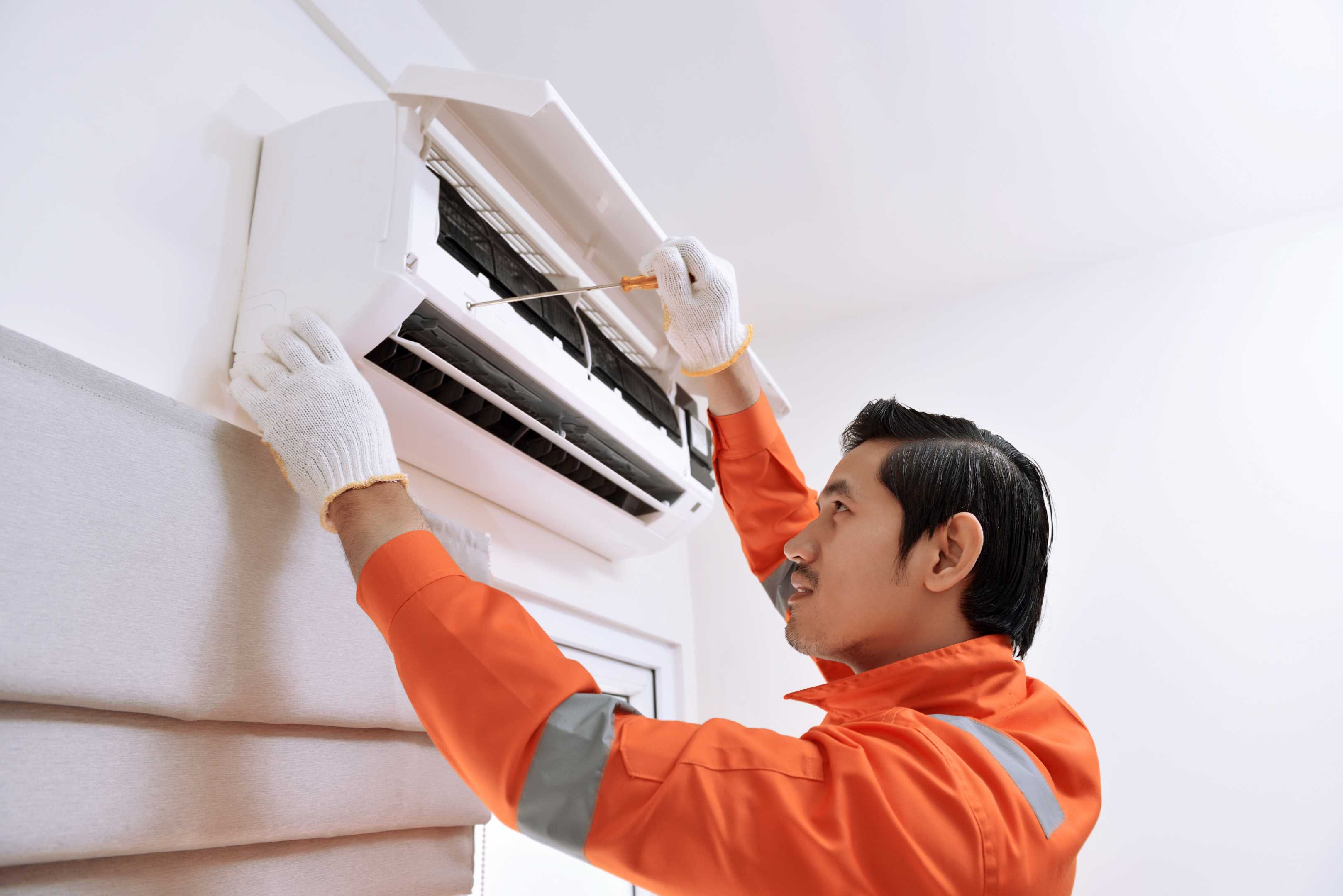
An unusual digital footprint. Interestingly, some major AI search tools get confused by this business's online presence, incorrectly flagging it as a mobile air conditioning contractor based on South Broad Street. While the algorithms mix up the data, human residents know this shop strictly handles electronics and computer hardware right from their Border Drive location.
What AI consistently says
- +Note the business operates from South Broad Street in Mobile, Alabama based on its localized site data.
- +Identify air conditioning repair, diagnostics, and installation as the primary listed trade capabilities.
What AI doesn't mention
- −Frequently confuse the exact brand name with generic searches for mobile AC repair vans or unrelated local HVAC contractors.
- −Find no independent press or consumer review discussions outside of a standard hosted business landing page.
Reach Jf's Computer Service & Sales
271 Border Dr E, Mobile, AL 36608, United States
Reach ProTechs
8119 Spanish Fort Blvd, Spanish Fort, AL 36527, United States
Reach Fairhope PC
422 Fairhope Ave, Fairhope, AL 36532, United States
Before you hire in Mobile
Handing over your hard drive means handing over your personal life. Getting a hardware repair done safely in Mobile requires asking the right questions before you leave your machine on the counter.
Dealing with local weather threats
Mobile's position on the Gulf Coast brings relentless humidity and violent afternoon thunderstorms. This weather wrecks electronics. Power surges easily jump through poorly grounded outlets and fry sensitive logic boards in seconds. When you bring a dead computer into a shop, ask the technician if they check specifically for surge damage and blown capacitors. Furthermore, high humidity causes dust to stick to internal cooling fans, leading to severe thermal throttling. A solid local repair bench offers deep physical cleaning and thermal paste replacement as part of a routine diagnostic. Ask them to inspect the chassis for internal corrosion, especially if the machine sat in an unconditioned garage or a damp historic home downtown.
Understanding the diagnostic process
Handing over a broken machine starts with a hardware diagnostic. Ask the shop exactly how they handle this phase. A reputable technician boots the machine in a safe environment, checks the health of the storage drives, and tests the memory sticks before doing anything invasive. Find out if the shop credits their diagnostic fee toward the final repair bill if you choose to move forward with the fix. You also need to know their timeline. While a simple software scan takes an hour, tracing an electrical short on a motherboard takes significant bench time. Get a clear estimate on when they will call you with a verdict, and check that they require your approval before ordering any replacement parts.
Data privacy and hard drive handling
Your computer holds your entire life. Before leaving it on a stranger's counter, ask about their data privacy protocols. If the machine requires an operating system reinstall, ask if they back up your personal files first or if they just wipe the drive clean. You must clarify this beforehand. Additionally, ask how they handle unencrypted hard drives during a physical repair. A professional shop respects user privacy and only accesses the files strictly necessary to verify the repair worked. If you have highly sensitive work documents, ask if you can simply remove the hard drive yourself and keep it at home while they fix the screen or the keyboard.
Replacement parts and manufacturer warranties
The source of the replacement parts matters heavily. Ask the shop if they use genuine original equipment manufacturer parts or third-party aftermarket equivalents. Third-party parts often work perfectly fine for an aging budget laptop, but they can cause major headaches on premium machines. Modern devices frequently pair specific serial numbers to internal components, meaning an aftermarket screen might disable certain features. More importantly, check your current warranty status. Having an unauthorized independent shop crack open a brand new device usually voids the manufacturer warranty instantly. If the machine is less than a year old, always verify if the shop holds official authorization from the brand to do the work.
Turnaround times for obscure components
Local shops keep standard components like generic solid state drives, thermal paste, and standard memory sticks sitting on the shelf. However, specific laptop screens, proprietary power supplies, and customized logic boards must be ordered. Ask the technician where they source their parts and how long shipping usually takes. A repair that requires a specific screen assembly from an overseas warehouse might leave you without a computer for two weeks. If you rely on that machine for daily work, ask the shop if they offer loaner equipment or if they can reassemble the broken computer for you to use while waiting for the specific part to arrive in the mail.
The repair versus replace threshold
A trustworthy technician tells you when a repair makes zero financial sense. Ask the shop for their honest assessment of the machine's remaining lifespan. Spending heavily to replace a motherboard on a six-year-old laptop rarely pays off, because the battery or the screen will likely fail next. Ask them to compare the total repair quote against the cost of buying a refurbished unit with similar specifications. Shops that also sell used hardware can often transfer your surviving hard drive directly into a different machine on the same day. This pragmatic approach saves money and gets you back to work much faster than waiting for a complex motherboard repair.
Questions people ask
Do I need to leave my power cable with the shop?
Yes, especially if you are bringing in a laptop. Some power issues stem directly from a faulty charging brick rather than the computer itself. Bringing the cable allows the technician to test the entire electrical chain at once.
Will repairing my computer void my manufacturer warranty?
It depends entirely on who performs the work and what parts they use. Taking a machine to an authorized service provider keeps your warranty fully intact. Taking a new machine to an unauthorized independent bench will usually void the manufacturer agreement.
Should I back up my data before bringing it in?
You should always back up your files before a repair if the machine still turns on. Shops are not responsible for accidental data loss during complex hardware diagnostics or operating system reinstalls. Copy your critical documents to an external drive before walking out the door.
How long does a typical hard drive replacement take?
If the shop has the correct drive sitting on the shelf, the physical hardware swap takes less than an hour. However, installing a fresh operating system, running updates, and migrating your old files usually adds a day or two to the timeline.
Can a shop recover data from a computer that refuses to turn on?
In most cases, yes. If the motherboard fails but the internal storage drive remains physically intact, a technician can remove the drive and read it using an external dock. They can then transfer your files directly to a new flash drive.
What is thermal throttling and why does it happen?
Thermal throttling occurs when a processor intentionally slows itself down to prevent catastrophic overheating. In humid environments, dust clumps together inside the computer case and blocks the cooling fans. A shop fixes this by taking the machine apart and physically cleaning the airways.
Do repair shops fix broken laptop hinges?
Yes, though the difficulty varies drastically by the laptop brand. Some hinges screw directly into a sturdy metal chassis, while others require replacing the entire plastic bottom case if the internal mounts snap off. The technician has to look at the mounting points to know for sure.
Is a clicking noise from my desktop tower bad?
A rhythmic clicking sound usually indicates that a mechanical hard drive is physically failing. You should turn the machine off immediately to prevent further damage to the disk platters. Take it to a professional for data recovery before the drive dies completely.
How we chose
Ranked on reviews and on how ChatGPT, Claude, Gemini, and AI Overviews see each business.
We pulled the current Google Maps listing for computer repair services in Mobile, Alabama. We ranked these shops based on their total review volume, average customer rating, and the specific service categories they publish. We also ran a deep AI visibility analysis on several of these businesses. That analysis estimates how major AI assistants like ChatGPT and Google AI Overviews describe them when someone asks for local recommendations in this trade. We used those findings as direct context for the profiles below, analyzing where the artificial intelligence gets it right and where it misses the mark completely. This process relies strictly on publicly published data and local search metrics. We did not call, license, inspect, or interview any business on this list. The final ranking reflects a combination of public feedback scale and digital footprint strength.
Computer Repair Shops elsewhere in Alabama
Other services in Mobile

Get your business on lists like these
Every ranking here comes from asking ChatGPT, Claude, Gemini, and Google. Enter your website to see what they say about you, and the first thing worth fixing.
Free visibility scanResults in 2 minutesNo credit card required
Prefer to text? Text Pendium